Print music inventory
Sheet Music Store Inventory Software for Titles, Editions and Special Orders
Print music is a long tail: thousands of low-value lines, several editions of the same piece, and a steady stream of special orders that must not be forgotten. Music Shop Suite tracks titles precisely enough to reorder from and keeps every customer order attached to the person who asked for it.
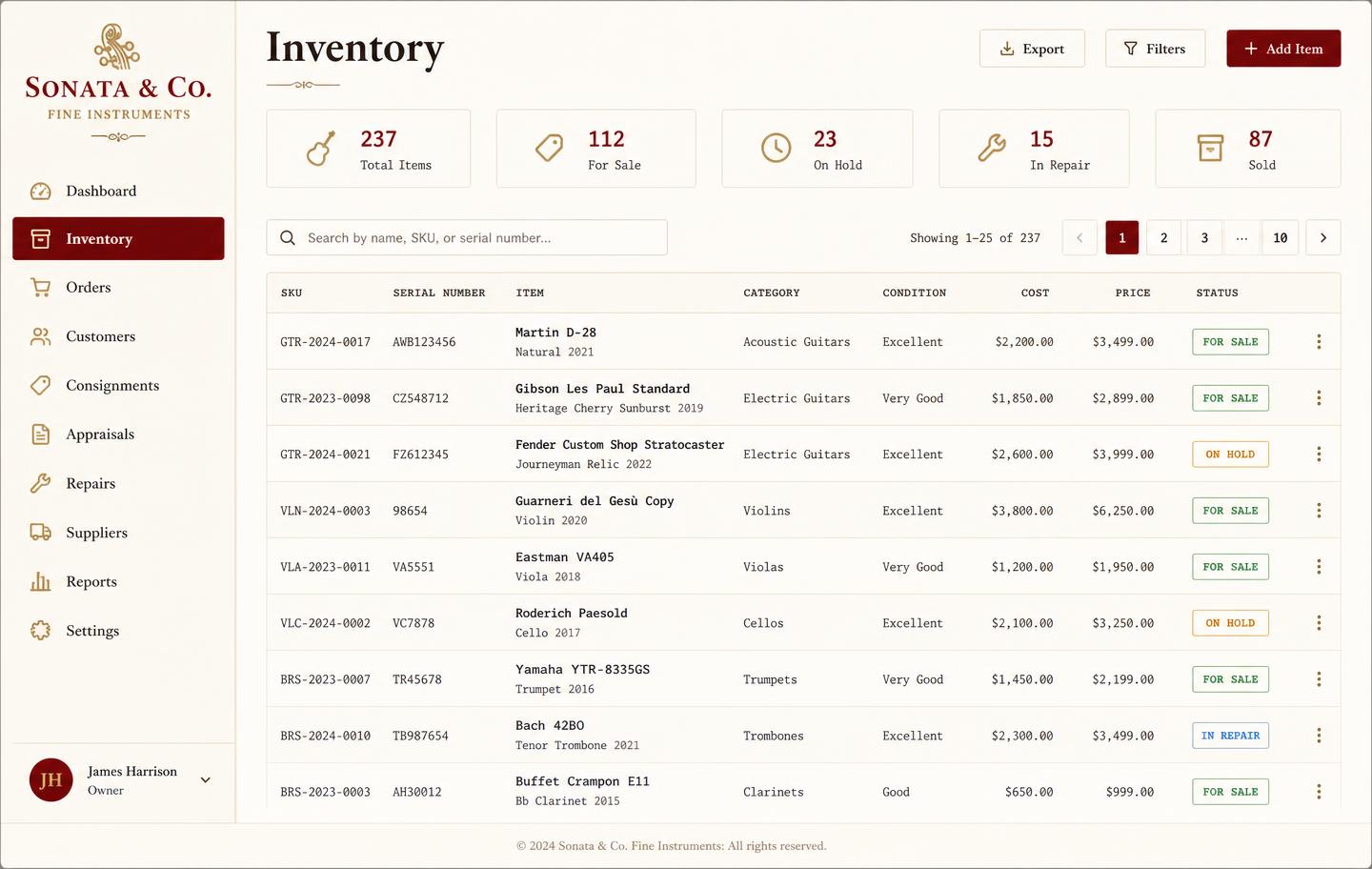
- Titles tracked by publisher, edition, and catalogue number
- Special orders linked to the customer, supplier, and expected date
- Reorder points so exam and method staples never run dry
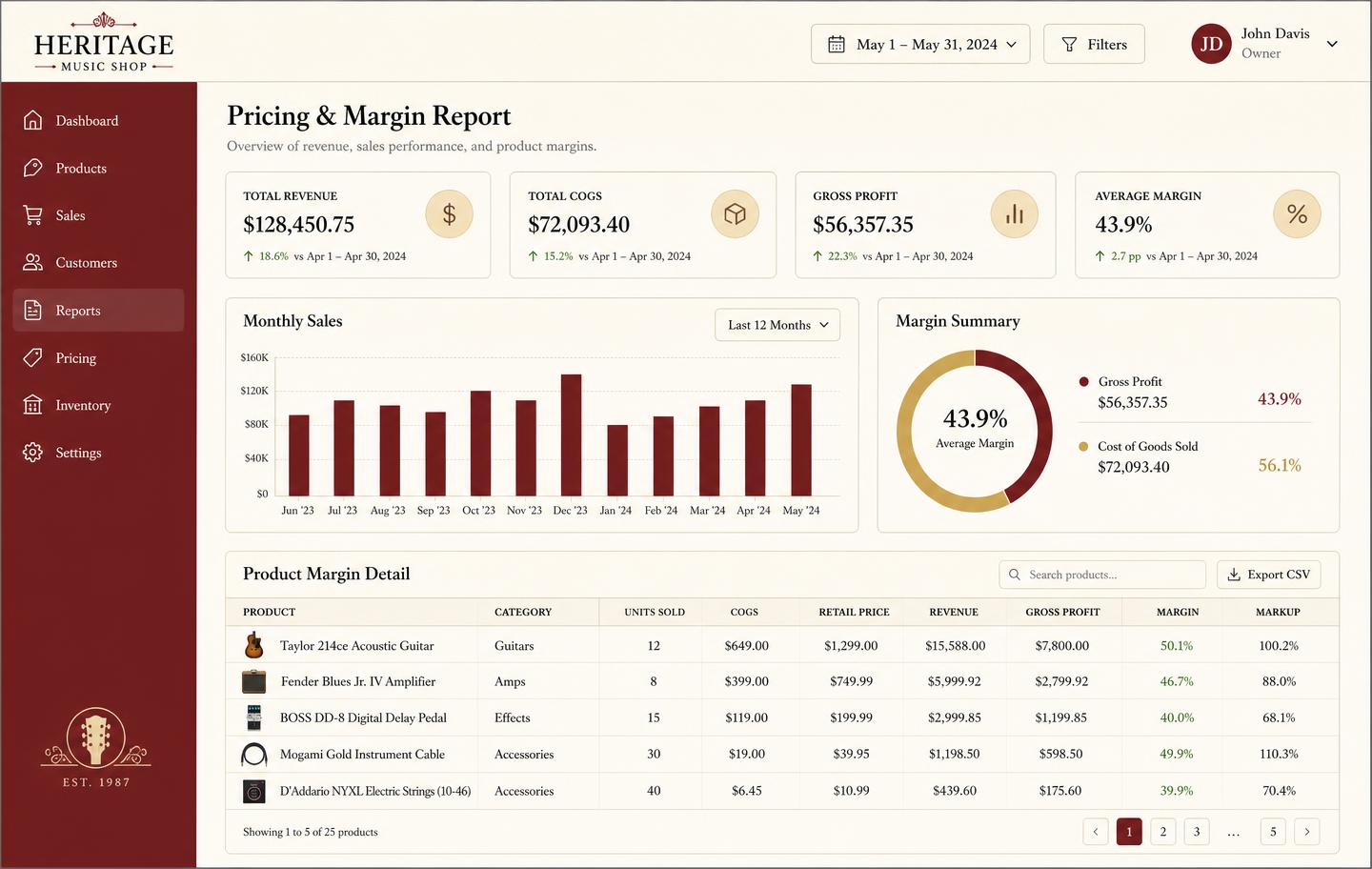
- Margin by title, publisher, and category
- Sits alongside your instrument stock, repairs, rentals, and lessons
Editions are not interchangeable
A teacher asking for a specific edition does not want a near-match. Keeping publisher, edition, and catalogue number on the line means the reorder is right the first time.
- Publisher and catalogue number per line
- Separate lines for separate editions
- Supplier and cost history for each title
Special orders that do not get forgotten
The order pad is where goodwill is won or lost. Attaching each order to a customer with a status turns the pile into a queue somebody can work through.
- Customer, supplier, and expected arrival on the order
- Status the front desk can read out on the phone
- Full order history on the customer record
Stock the exam season, not last year's guess
Grade books and method staples spike predictably. Reorder points and sell-through by title mean you buy for the term you are entering rather than the one you just survived.
- Reorder points and low-stock views
- Sell-through by title and publisher
- Category margin to justify shelf space
One system with the rest of the shop
Print music rarely stands alone. The same customers rent instruments, book repairs, and take lessons — and all of it belongs on one record.
- Instruments, accessories, and print music in one stock list
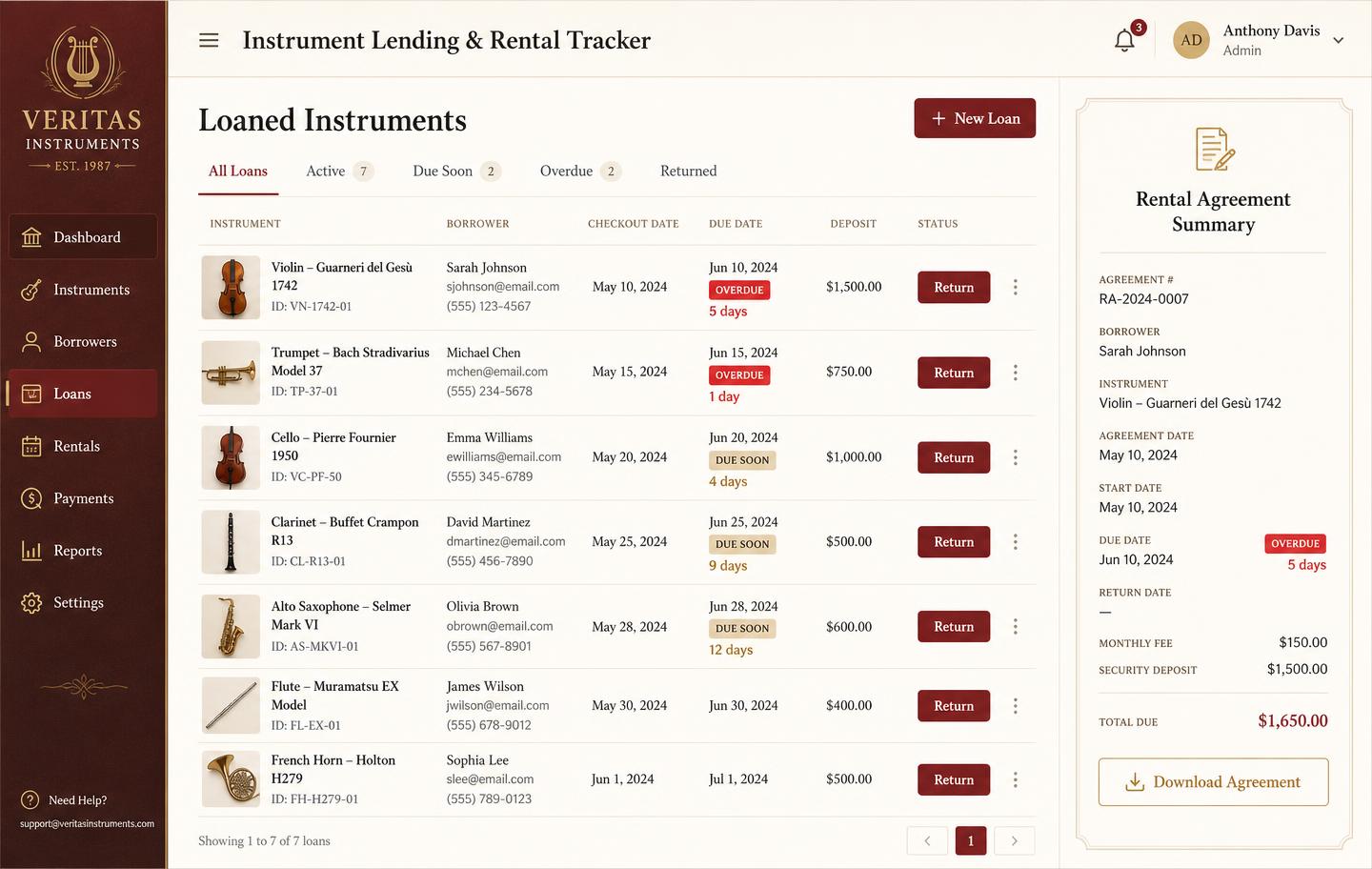
- Repairs and rentals on the same customer card
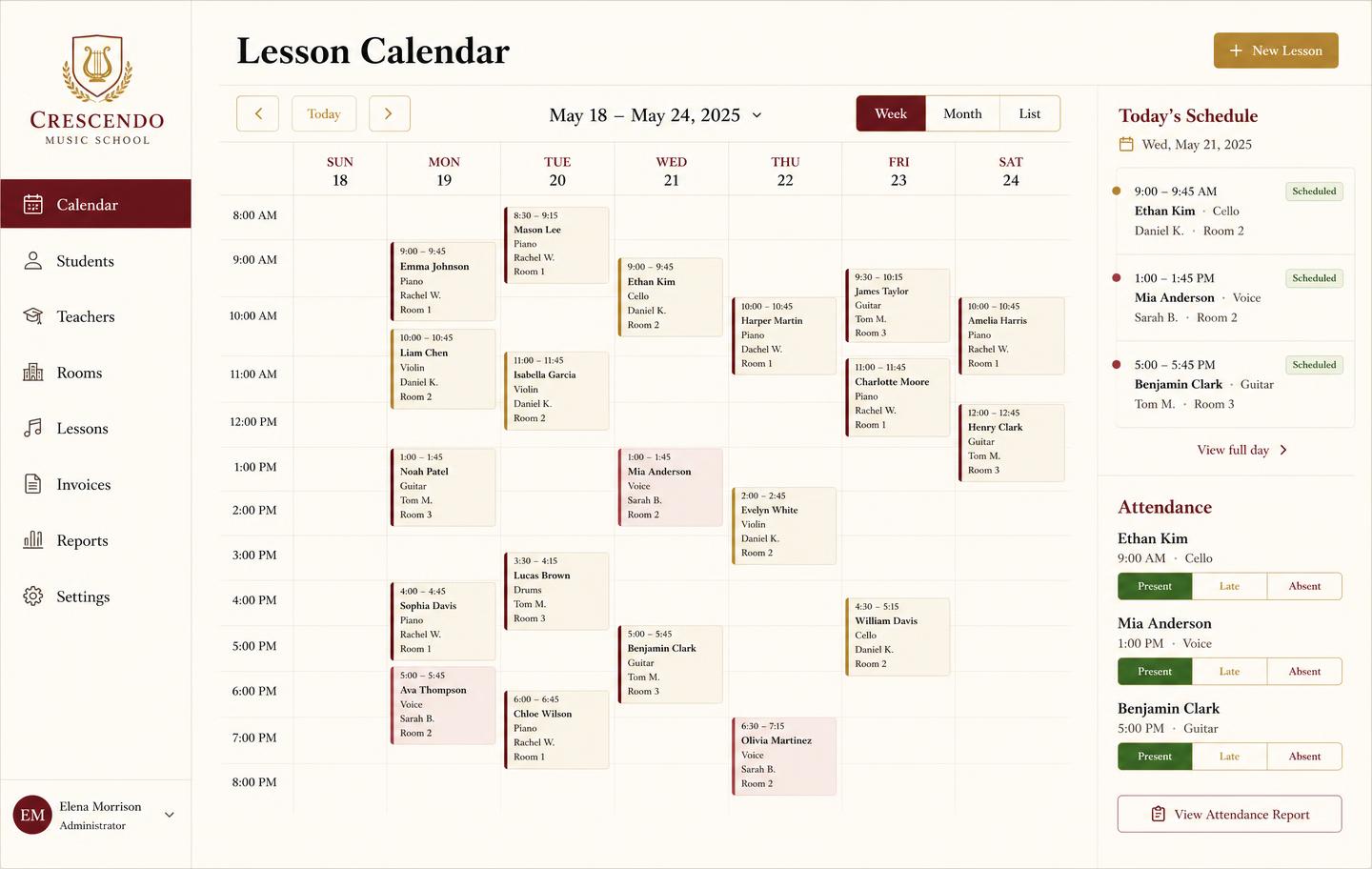
- Lesson scheduling and tuition invoicing included
See the workbench before you sign up
Inventory, pricing, lesson bookings, and instrument lending all live in the same back-office dashboard — no separate apps, no re-keying between them.
Honest note
Back office, not a till
We do not process card payments. Music Shop Suite handles the stock, orders, customers, and reporting behind the counter.
Frequently asked
- Can it track print music by publisher and edition?
- Yes. Each title is its own line with publisher, edition, catalogue number, and cost, so two editions of the same piece never get merged into one fuzzy count.
- Does it handle special orders for customers?
- Yes. A special order is attached to the customer who asked for it, with the supplier, expected date, and a status the front desk can read out on the phone.
- Can I see which titles actually sell?
- Yes. Sales and margin by title, publisher, and category show what deserves shelf space and what has been sitting since last term.
- Do lessons and print music work together?
- They do. If you teach, the method books your teachers set are the ones you should be stocking — and both live in the same system.
Keep exploring the workbench
Every part of the shop lives in one system. Follow the workflow closest to what you are trying to fix first.
- Best music store POS softwareHonest comparison of tills vs the back office.
- Layaway managementHeld units, instalments, and running balances.
- Pricing — $49/monthOne plan, every module, no per-seat surprises.
- Free shop-owner toolsCalculators, templates, and agreement generators.
- Shop operations blogPlaybooks for counts, work orders, and lending.
- Small business inventorySerial-level stock, real margin, flat pricing.
Sign up today
Run your shop on one workbench — starting today.
$49/month, no contracts, no trial. Import your spreadsheet, invite your team, and have inventory, repairs, rentals, and lessons in one place tonight.