Work order software
Work Order Software for Repair Shops
A repair shop runs on the tickets taped to the bench — and loses money every time one goes missing, sits waiting on a part nobody ordered, or gets invoiced without the labor hours on it. Music Shop Suite turns each job into a work order with parts, labor, status, and full owner history in one record.
- One work order per job: item, owner, complaint, quote, and approval
- Parts and labor itemized separately with cost, markup, and hours
- Status pipeline from intake to collected, with a date on every step
- Per-technician bench queue so nobody's workload is a guess
- Full repair history attached to the instrument and the customer
The ticket stops being paper
Intake captures the item, its serial, the owner, the reported problem, and the condition it arrived in — with photos. From that moment the job has a record, and the record follows it to the bench, the parts order, the invoice, and the shelf.
- Intake photos and condition notes on the order
- Serial and owner linked, not retyped
- Quote and customer approval recorded with a timestamp
Parts and labor that actually add up
Each line is either a part or labor. Parts carry cost and sell price; labor carries hours and rate. The invoice writes itself from the lines, and the job's margin is visible before you hand the instrument back — not at year-end.
- Part cost vs sell price on every line
- Labor hours at your bench rate
- Job total, job cost, and job margin calculated live
Nothing stalls silently
Awaiting approval, awaiting parts, in progress, ready for pickup. Every work order sits in exactly one state, with the date it got there — so the jobs that have been waiting three weeks are impossible to miss.
- Aging view: oldest open orders first
- Awaiting-parts queue separated from active work
- Ready-for-pickup list for front-desk callbacks
History that pays off two years later
When the same customer brings the same instrument back, the tech opens the record and sees every previous job — what was replaced, what was adjusted, what was noted and left alone. That context is the difference between a guess and a diagnosis.
Per-technician queues
Assign work orders to the bench that will do them. Each tech sees their own queue in priority order; the shop owner sees all of them at once, plus who is overloaded and who is idle.
Repair revenue in your books
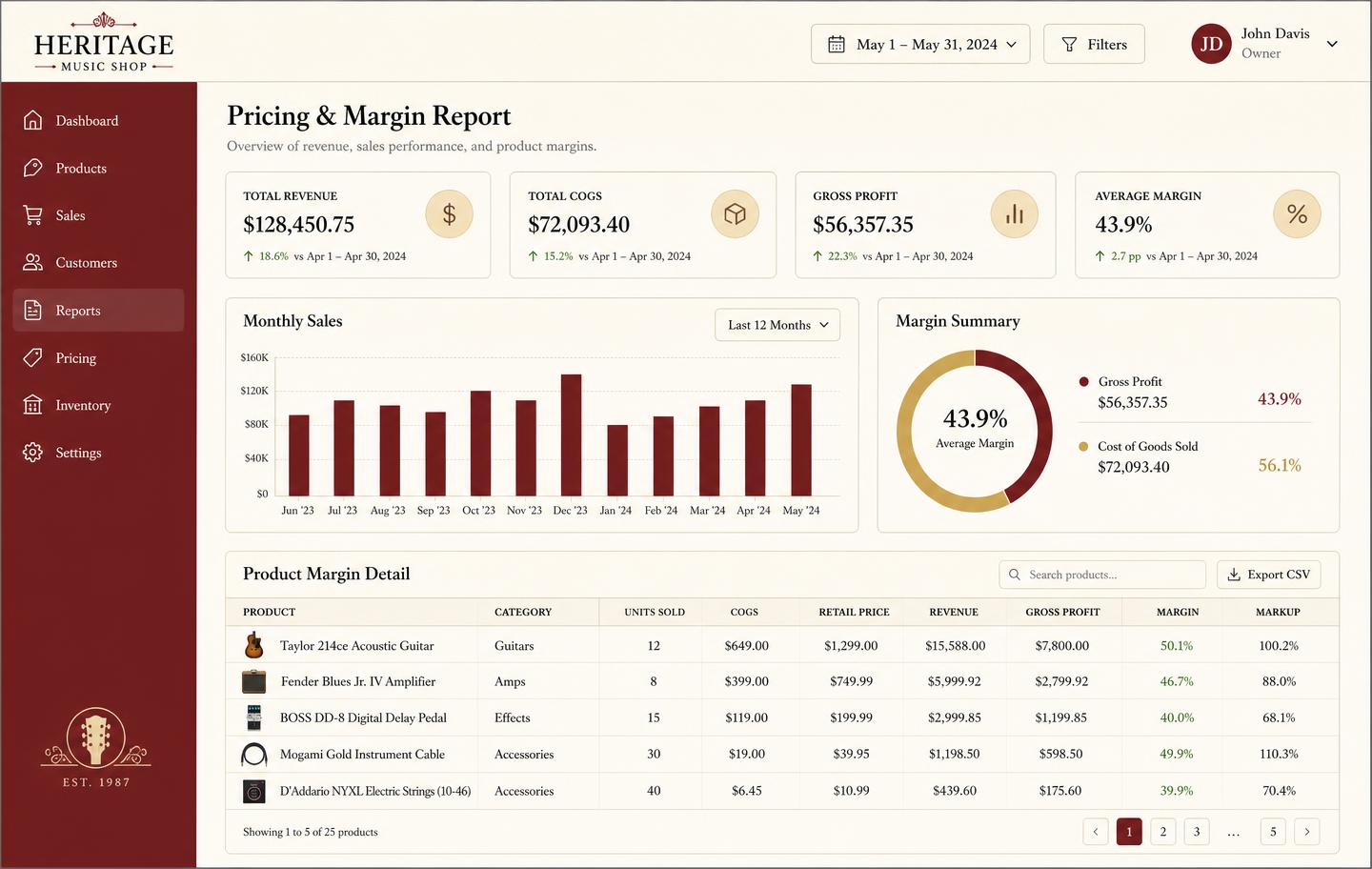
Repair work is not a side note — for most shops it is the steadiest margin in the building. Work order totals flow into the same accounting reports as sales, rentals, and lessons, so you can finally see what the bench earns.
See the workbench before you sign up
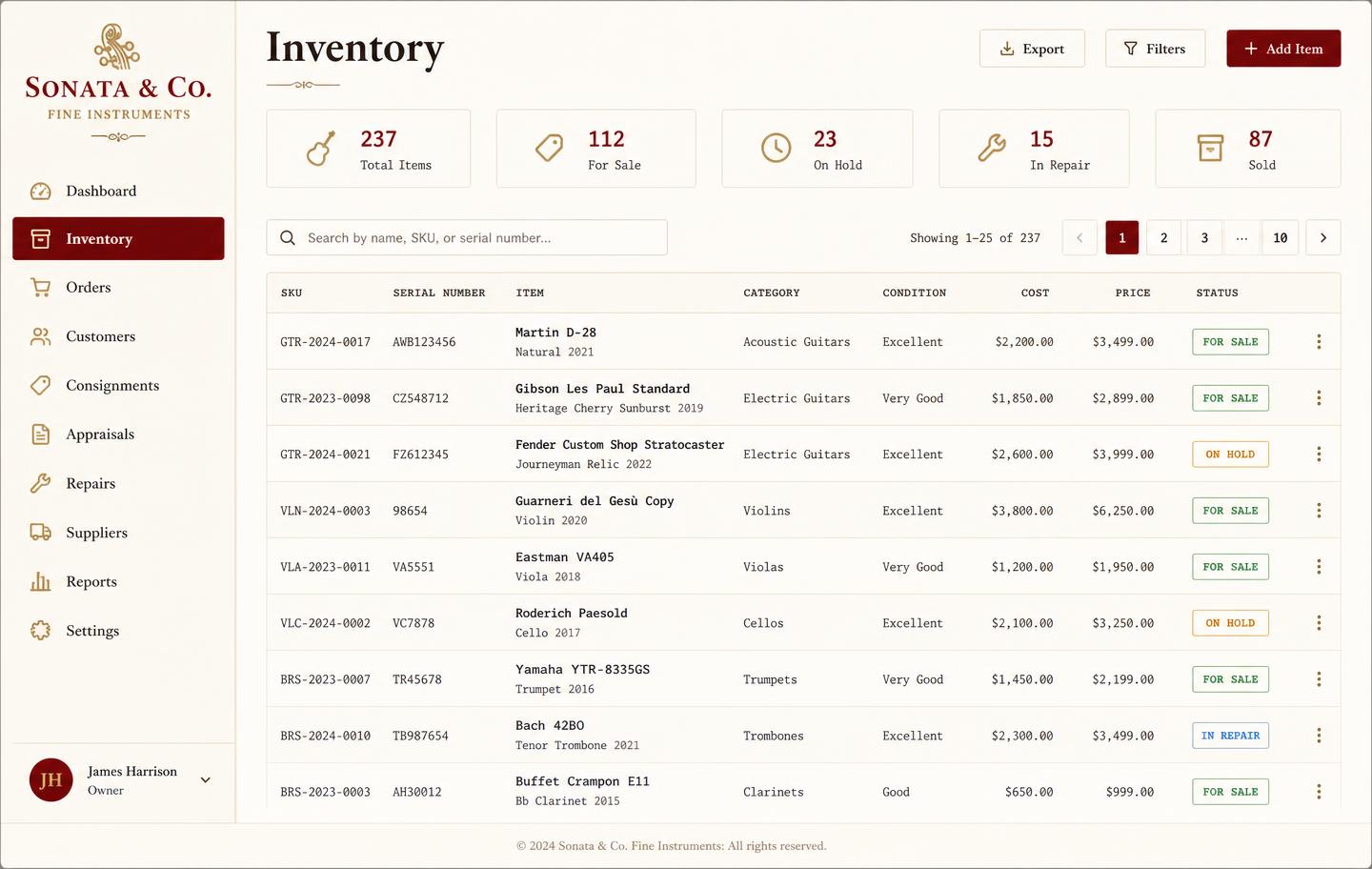
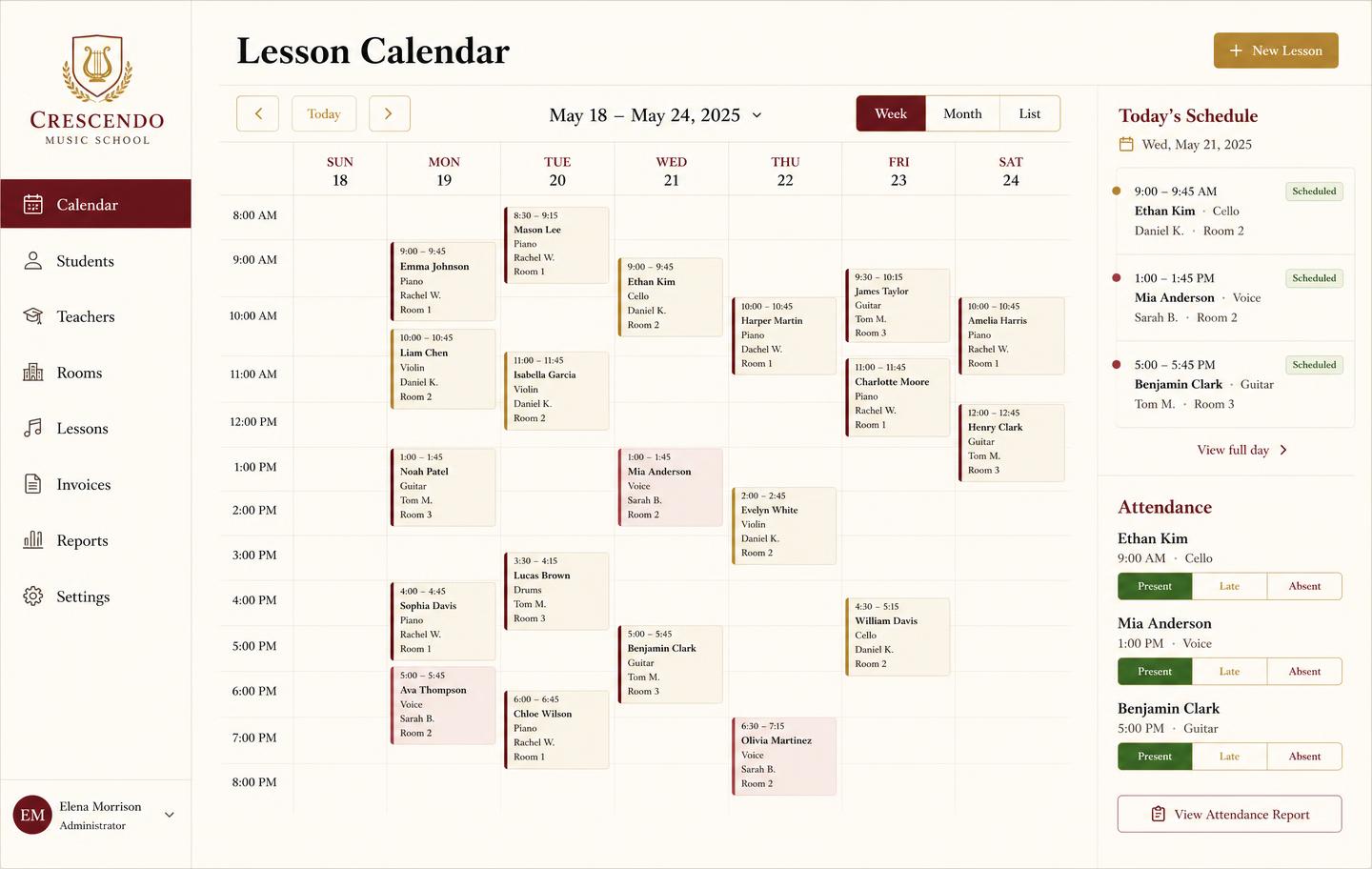
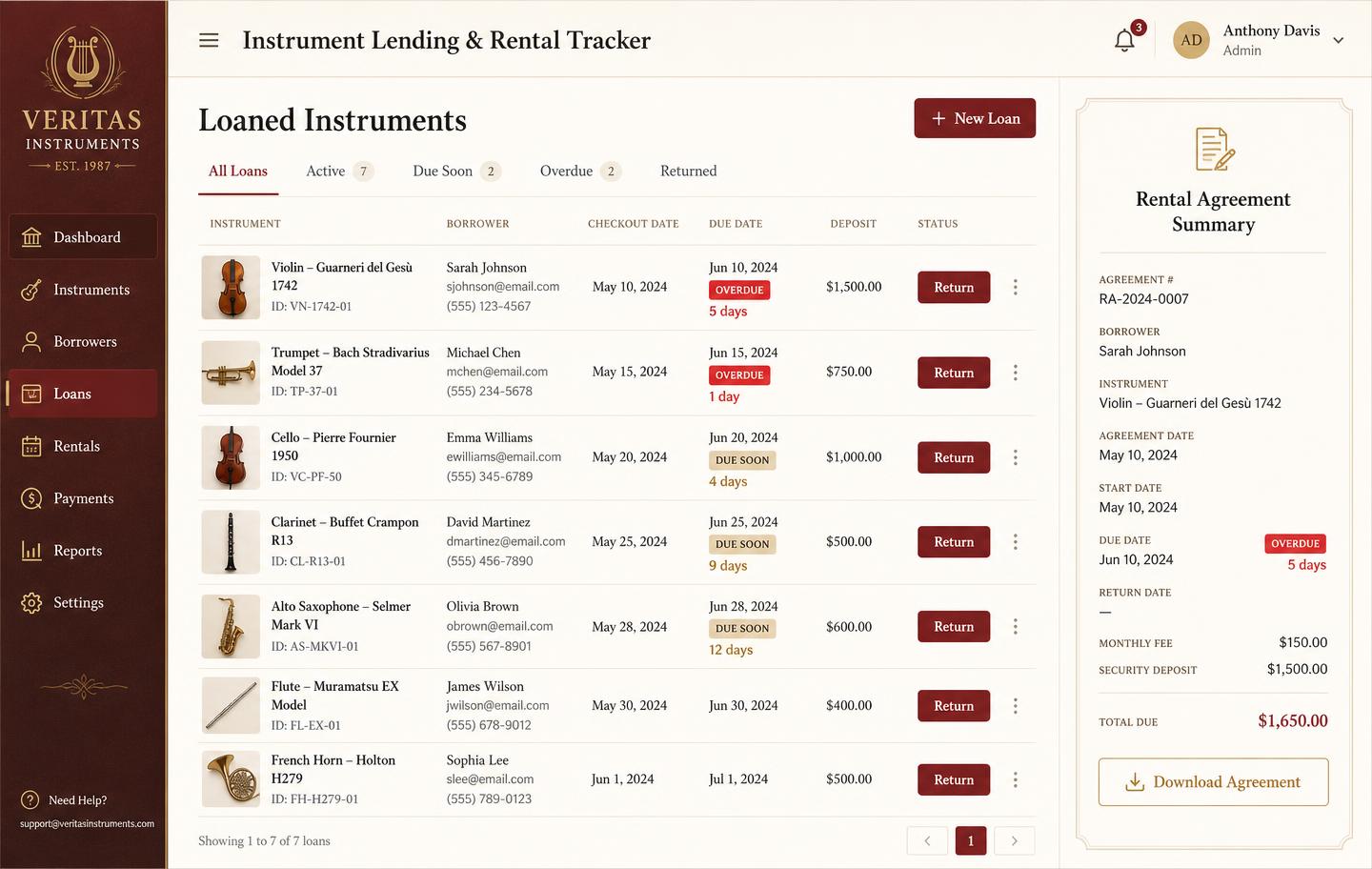
Inventory, pricing, lesson bookings, and instrument lending all live in the same back-office dashboard — no separate apps, no re-keying between them.
Frequently asked
- What is work order software?
- Work order software replaces the paper repair ticket. It records what came in, who owns it, what needs doing, which parts and labor were used, what it costs, and where the job stands right now — so nothing stalls on a bench without anyone noticing.
- Does it handle parts and labor separately?
- Yes. Every work order itemizes parts (with cost and markup) and labor (with hours and rate), so the quote, the invoice, and the job's real margin all come from the same record.
- Can I give customers a status they can trust?
- Yes. Each work order moves through defined states — intake, awaiting approval, awaiting parts, in progress, ready for pickup, collected — with dates on every change, so the front desk can answer 'is it done yet?' without walking to the bench.
- Is this only for instrument repair shops?
- It is built for instrument repair and setup work — serialized items, owner history, and per-technician queues. If you repair guitars, brass, woodwinds, strings, or amps, it fits. If you repair cars or phones, a general field-service tool will suit you better.
Keep exploring the workbench
Every part of the shop lives in one system. Follow the workflow closest to what you are trying to fix first.
- Best music store POS softwareHonest comparison of tills vs the back office.
- Lesson invoicingFamily billing, credits, and overdue tuition.
- Consignment softwareSplits, payouts, and days-on-floor aging.
- Shop accounting reportsMargin, revenue by line, and month-end numbers.
- Music school managementStudents, teachers, rooms, tuition, and instruments.
- Pricing — $49/monthOne plan, every module, no per-seat surprises.
Sign up today
Run your shop on one workbench — starting today.
$49/month, no contracts, no trial. Import your spreadsheet, invite your team, and have inventory, repairs, rentals, and lessons in one place tonight.