Barcode inventory software
Barcode Inventory Software That Scans to the Unit
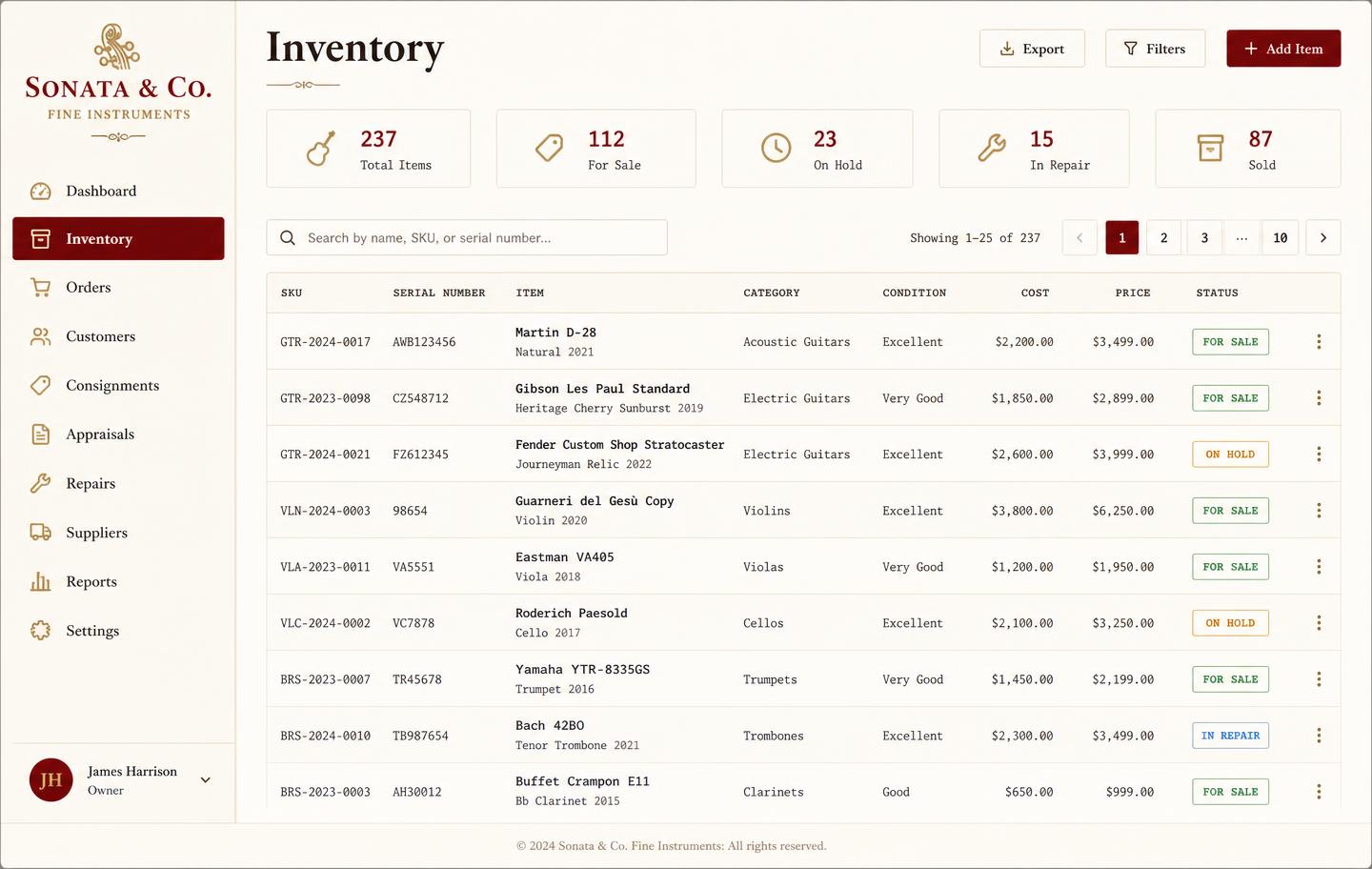
A barcode is only useful if it points at something specific. Music Shop Suite labels each physical item — this guitar, this horn, this amp — so a scan opens that unit's real record: its serial, cost, condition, repair history, and whether it is currently out on hire.
- Print a label for any unit and scan it back with any standard scanner
- Scan to look up, check out, check in, or count
- Stock counts reconcile as you scan, flagging gaps immediately
- Works with USB, Bluetooth, or a phone camera — no proprietary hardware
- Every scan-driven change lands in the audit log
Label the unit, not the model
Two of the same model are two different items with different costs, conditions, and histories. Unit-level labels mean a scan never returns an ambiguous answer about which one you are holding.
- Label carries the unit code and key identifying detail
- Print to a label printer or adhesive sheet
- Codes stay stable for the life of the item
Stock counts that finish the same day
Walk the floor scanning. The count builds against your records live, so at the end you are not comparing two lists — you are looking at a short exception report of what is missing or unexpected.
- Live reconciliation while you count
- Exception list instead of a full recount
- Count history so discrepancies can be traced
Scan at the counter and at the bench
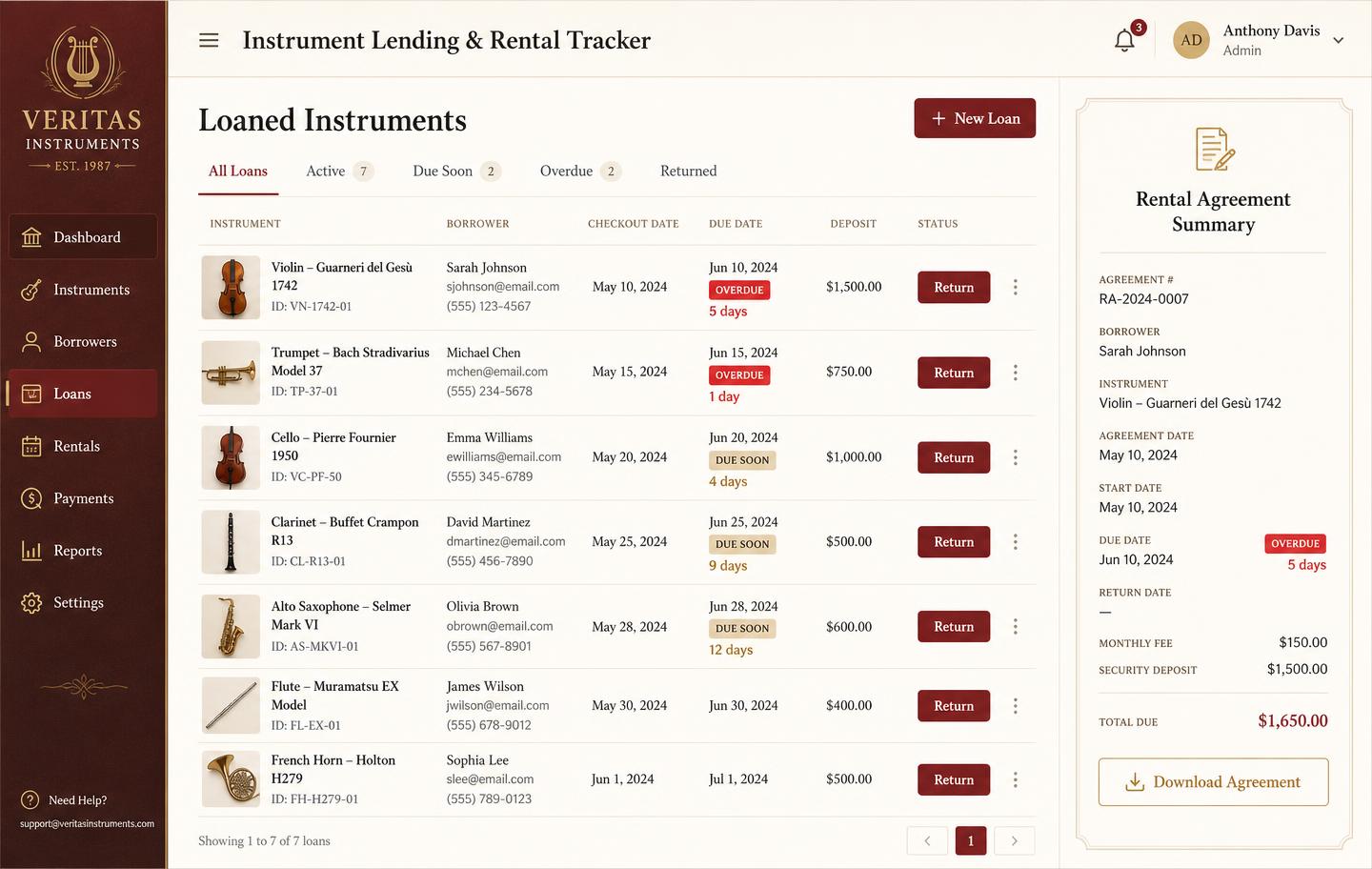
Checking an item out to a rental customer, taking it in for repair, or moving it between locations is a scan and a tap — which is the only reason staff actually keep records up to date.
No hardware lock-in
Barcode scanners present themselves as keyboards. Buy a $30 scanner, plug it in, and it works. We do not sell hardware and we do not require any.
Scanning feeds the same reports
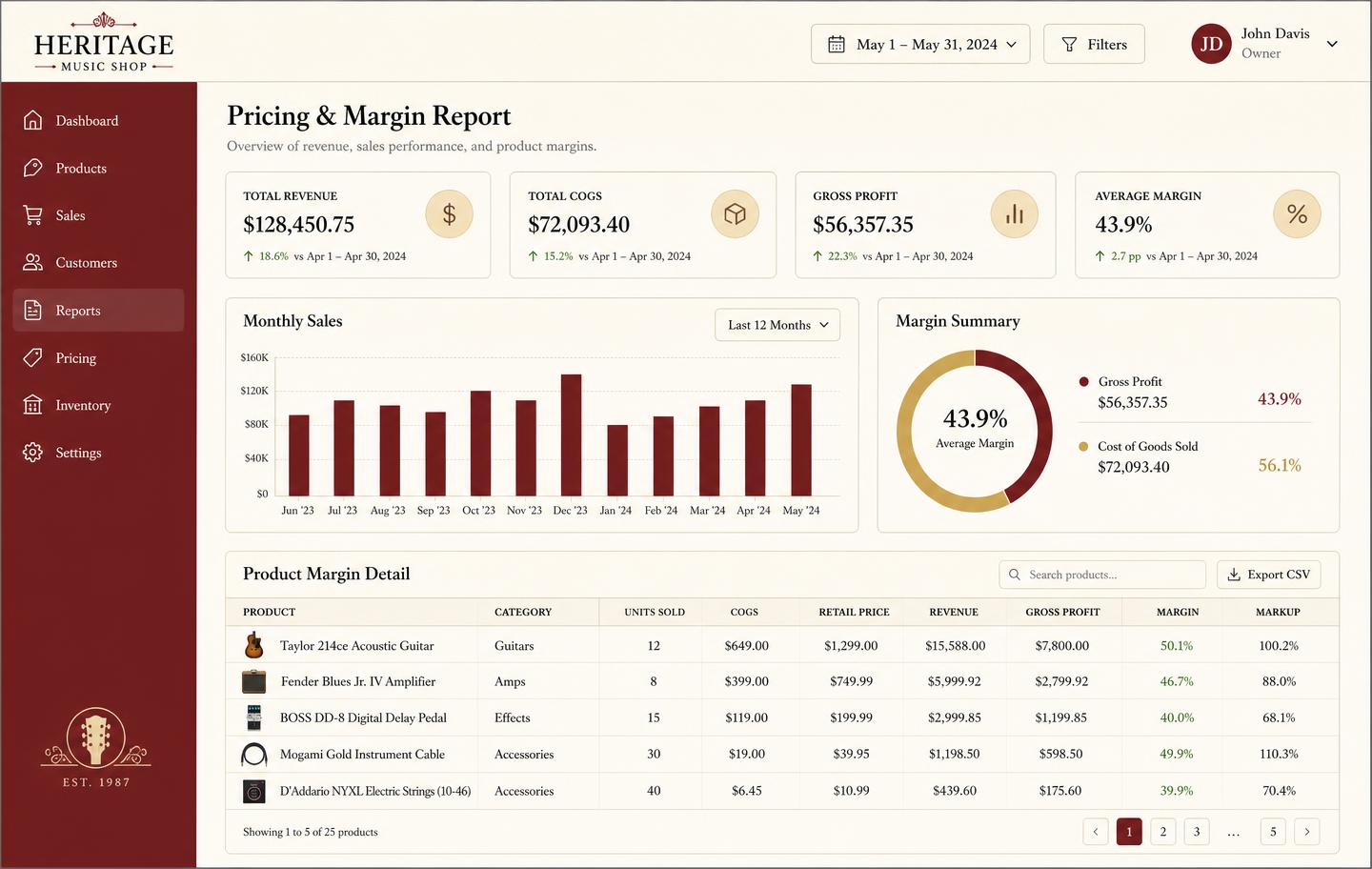
Every scan updates the same records behind your stock value, turnover, and aging reports. The floor and the books stop drifting apart.
Built for shops, not warehouses
Warehouse systems assume pallets, zones, and pickers. This is built for a shop with a few hundred to a few thousand valuable items and a small team who need it to be quick.
See the workbench before you sign up
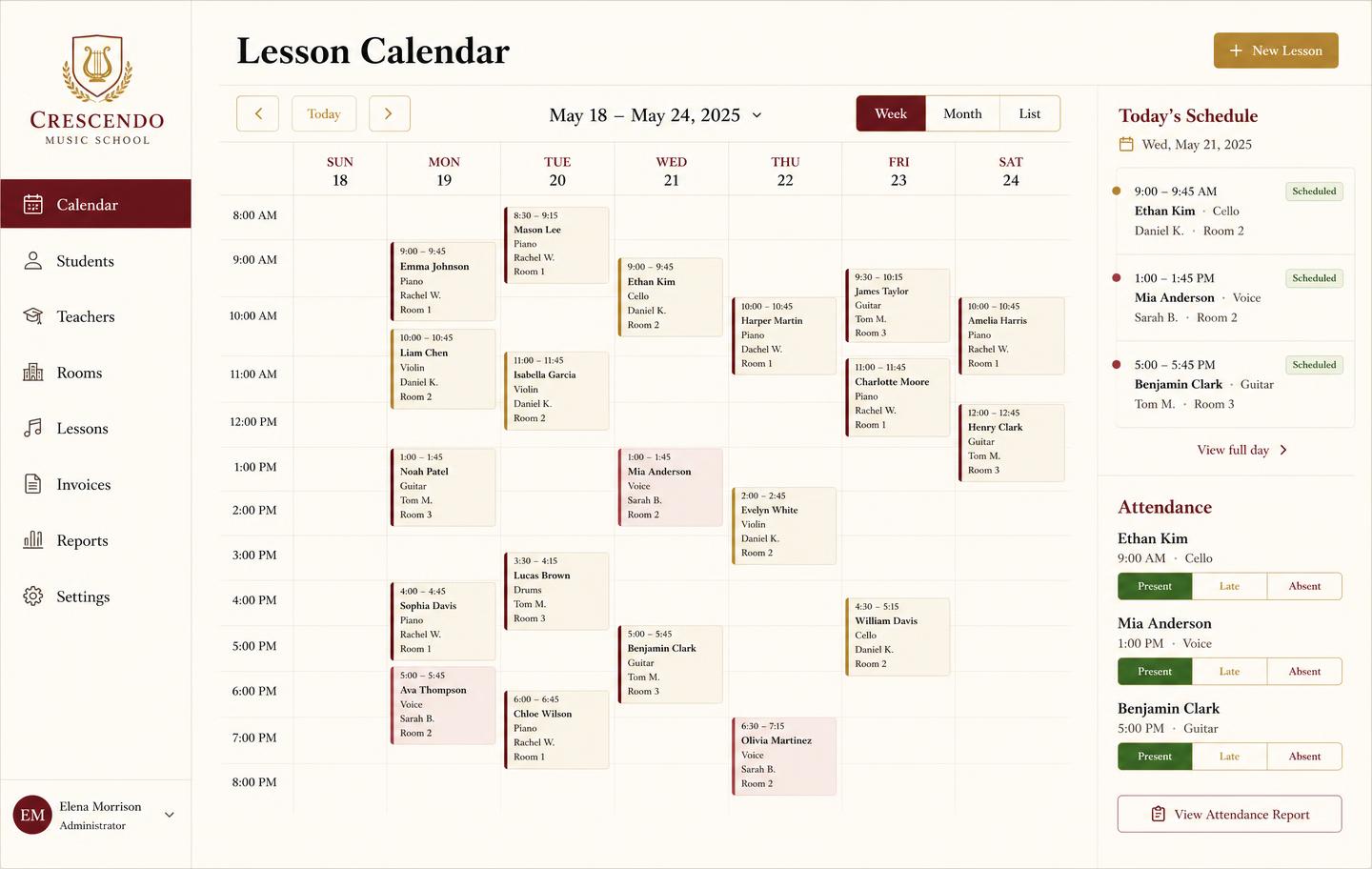
Inventory, pricing, lesson bookings, and instrument lending all live in the same back-office dashboard — no separate apps, no re-keying between them.
Frequently asked
- Do I need special hardware?
- No. Any USB or Bluetooth barcode scanner works — they type the code like a keyboard. A phone camera works too. There is nothing proprietary to buy from us.
- Can I print my own labels?
- Yes. Generate a label for any unit with its code and key details, and print to a standard label printer or a sheet of adhesive labels.
- What is the difference between a barcode and a serial number?
- A manufacturer barcode identifies a model; a serial number identifies one physical unit. Music Shop Suite keys inventory on the unit, so scanning a label pulls up that exact instrument — not twelve of the same model.
- Does scanning speed up stock counts?
- That is where it pays for itself. Scan down a row and the count reconciles against your records as you go, flagging anything missing or unexpected.
Keep exploring the workbench
Every part of the shop lives in one system. Follow the workflow closest to what you are trying to fix first.
- Best music store POS softwareHonest comparison of tills vs the back office.
- Warranty managementCoverage by serial, supplier claims, and expiry alerts.
- Used gear appraisalCondition grades, offers, refurb cost, realised margin.
- Consignment managementSplits, payout balances, and days-on-floor aging.
- Teacher scheduling appRecurring slots, rooms, attendance, and make-ups.
- Pricing — $49/monthOne plan, every module, no per-seat surprises.
Sign up today
Run your shop on one workbench — starting today.
$49/month, no contracts, no trial. Import your spreadsheet, invite your team, and have inventory, repairs, rentals, and lessons in one place tonight.